Blog4 min read
Ward Announcements Are Scattered Everywhere. Here's How to Bring Them Into One Place.
By Jared Woolstenhulme, a serving bishop and the founder of BishOps
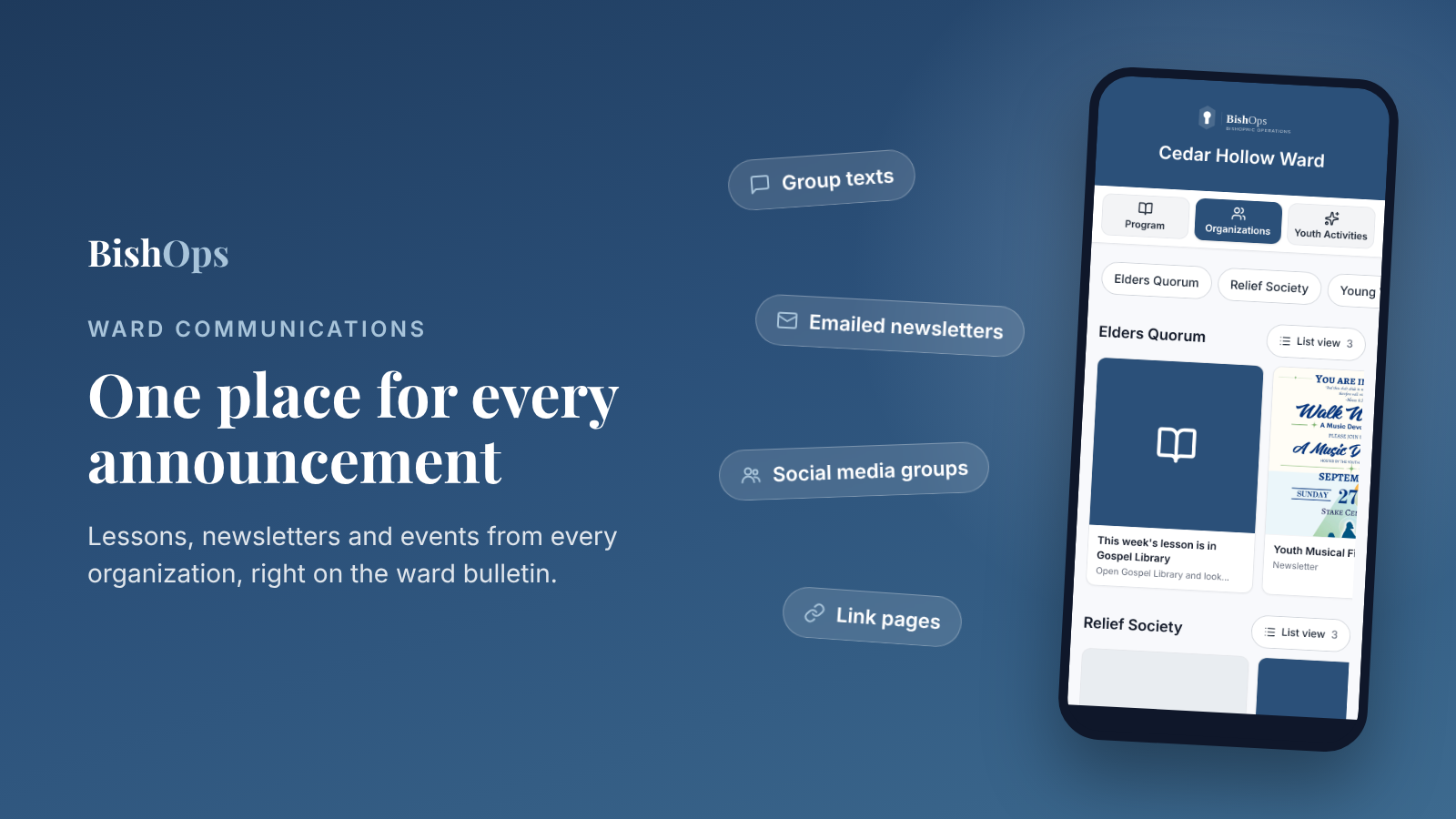
Ask a ward member where to find this month's Relief Society newsletter and you'll get four different answers.
It was emailed, unless you're not on the list. It was posted in the Facebook group, unless you aren't on Facebook. Someone shared it in the group text, which you left when it got noisy. The elders quorum has a website, Primary sends a WhatsApp message to parents, the youth calendar lives in a shared Google Doc, and the bishopric reads three minutes of announcements from the pulpit every Sunday that half the congregation has forgotten by the closing hymn.
No one designed this. It grew one well-meaning channel at a time. Every new presidency brings the tools it knows, and when that presidency is released, its group chat often goes with it.
Why scattered communication hurts the people you most want to reach
The members who are already connected find their way through the noise. They're in every group, they know who to ask, and they hear about things in the hallway.
The members who miss out are the ones the ward council spends its time worrying about: the family that moved in last month and isn't in any group yet, the sister who doesn't use social media, the less-active brother who would come to the service project if he knew about it, and the parent who wants to know what the youth are doing on Wednesday. Every channel you add is one more that these members aren't on.
It costs leaders, too. A presidency that posts the same announcement in four places, and answers the same question by text five times, has less time for ministering.
What good ward communication looks like
You don't need to shut down every group chat. People will keep texting, and that's fine. What a ward needs is one official place, the place everyone is told to check, that is:
- Easy to find. One link, the same every week, that anyone can open without an account. Put it on the program, on a QR code in the foyer and in the welcome message for new move-ins.
- Owned by each organization. The Relief Society presidency updates the Relief Society section, Primary updates Primary, and so on. Nobody has to route everything through the executive secretary.
- Current. Old newsletters and past events disappear on their own, so the page never turns into a graveyard of last spring's flyers.
- Public-safe. Anything posted where anyone can see it leaves out personal phone numbers, home addresses and details about individual members. Give a ward or presidency contact instead.
Put it where the leaders already work
The hardest part of any new communication tool is getting busy leaders to use it. A presidency that already uses one tool for callings, meetings and ministering won't happily log into a second one to post a newsletter.
That's the idea behind the Organizations page in BishOps. The ward council already uses BishOps to recommend callings, plan meetings and follow up on assignments. The same presidencies can post to their organization's card on the ward's public page, from the same place, in a minute or two.
How it works in BishOps
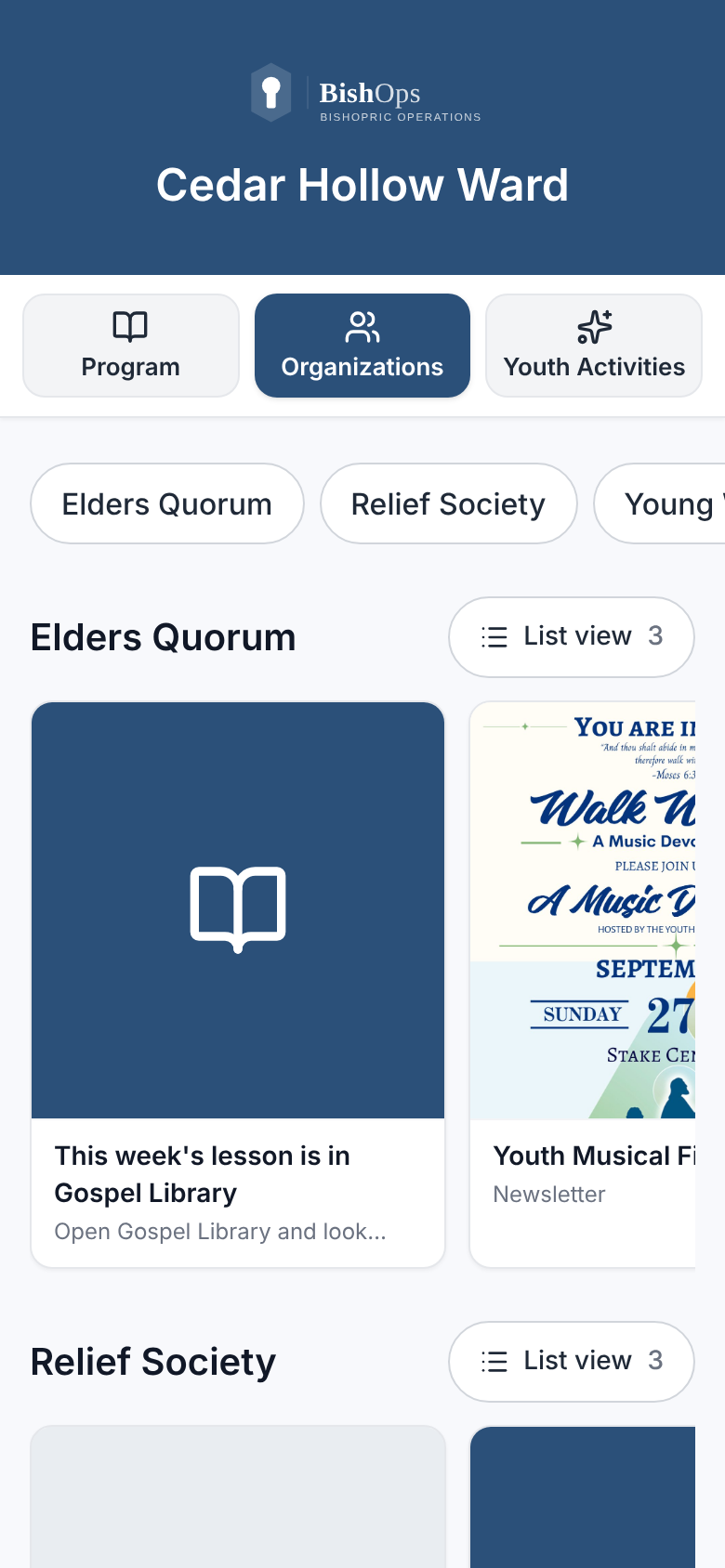
Your ward's public bulletin, the same link and QR code members already use for the sacrament meeting program, gets an Organizations tab next to Program and Youth.
On it:
- Every organization has its own card. Relief Society, elders quorum, Young Women, Aaronic Priesthood, Primary and Sunday School each get one, and you can add cards for things like ward missionaries or service opportunities.
- Presidencies post their own news. A newsletter as a PDF or an image, a link, a note or an announcement. BishOps shows the first page of a PDF as a picture and pulls in the picture from a link, so the page looks inviting instead of a wall of text.
- Type an announcement once, and choose where it shows. A presidency's announcement can go on its organization card, in the Sunday bulletin, or both. Pulpit announcements stay with the bishopric.
- This week's lessons appear on their own. The Sunday School card shows this week's Come, Follow Me lesson, the youth cards show this Sunday's lesson from the For the Strength of Youth guide, and the Relief Society and elders quorum cards open Gospel Library, where the presidency's chosen lesson appears.
- It cleans up after itself. Posts can carry a show-until date. An older newsletter leaves the page two weeks after a newer one is posted, and event flyers are removed after the event.
- Families can subscribe to the youth calendar. The Youth tab gives parents calendar feeds for Apple, Google or Outlook Calendar that update themselves when an activity changes.
Members don't need an account or an app. They open one link and see the program, every organization's news and the youth calendar in one place.
Start small
If your ward's communication feels scattered, you don't have to fix it all at once. Pick the one place you'll call official. Tell the ward council that every organization posts there first and in other channels second. Put the link and QR code everywhere members already look. Within a few weeks, "Where do I find that?" has a single answer.
The goal isn't fewer messages. It's that every member, including the ones on the edges, can find out what's happening in the ward without having to be in the right group chat.